

Frequently Asked Questions
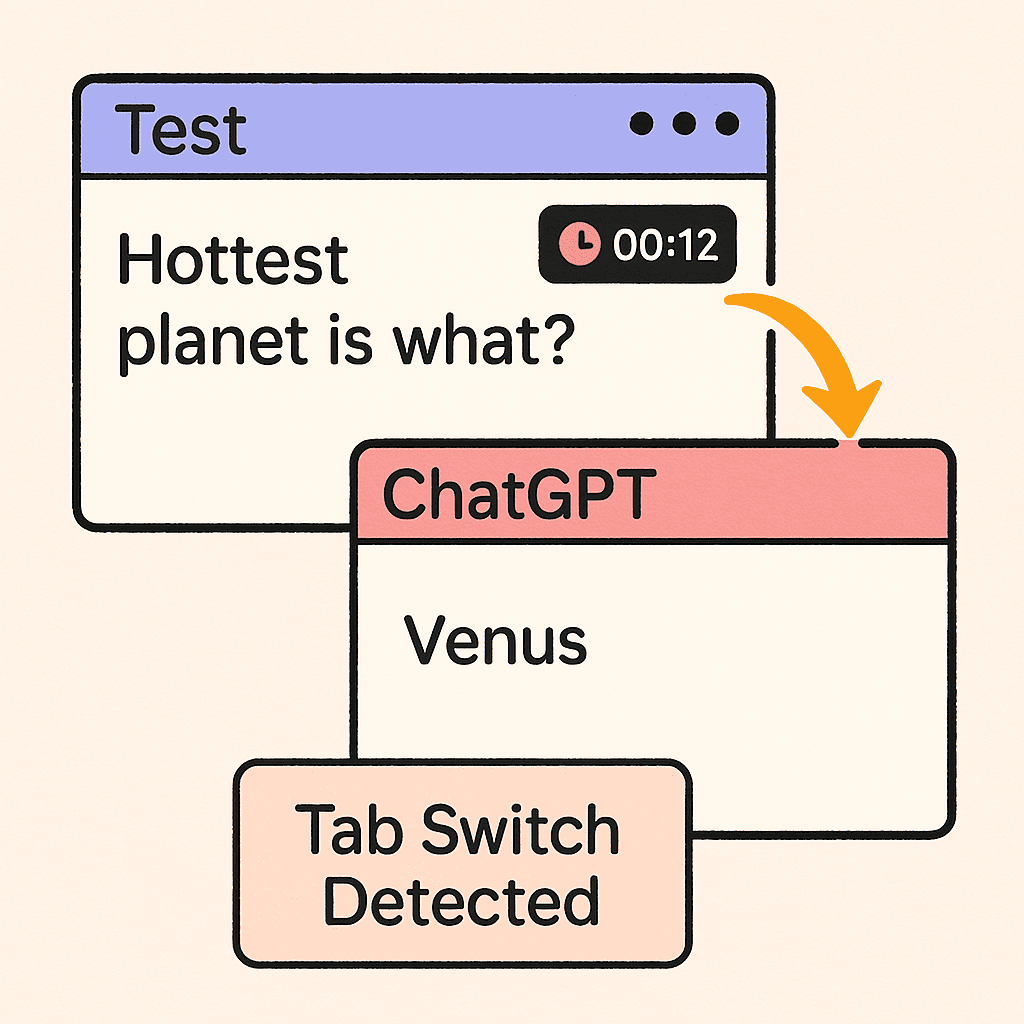
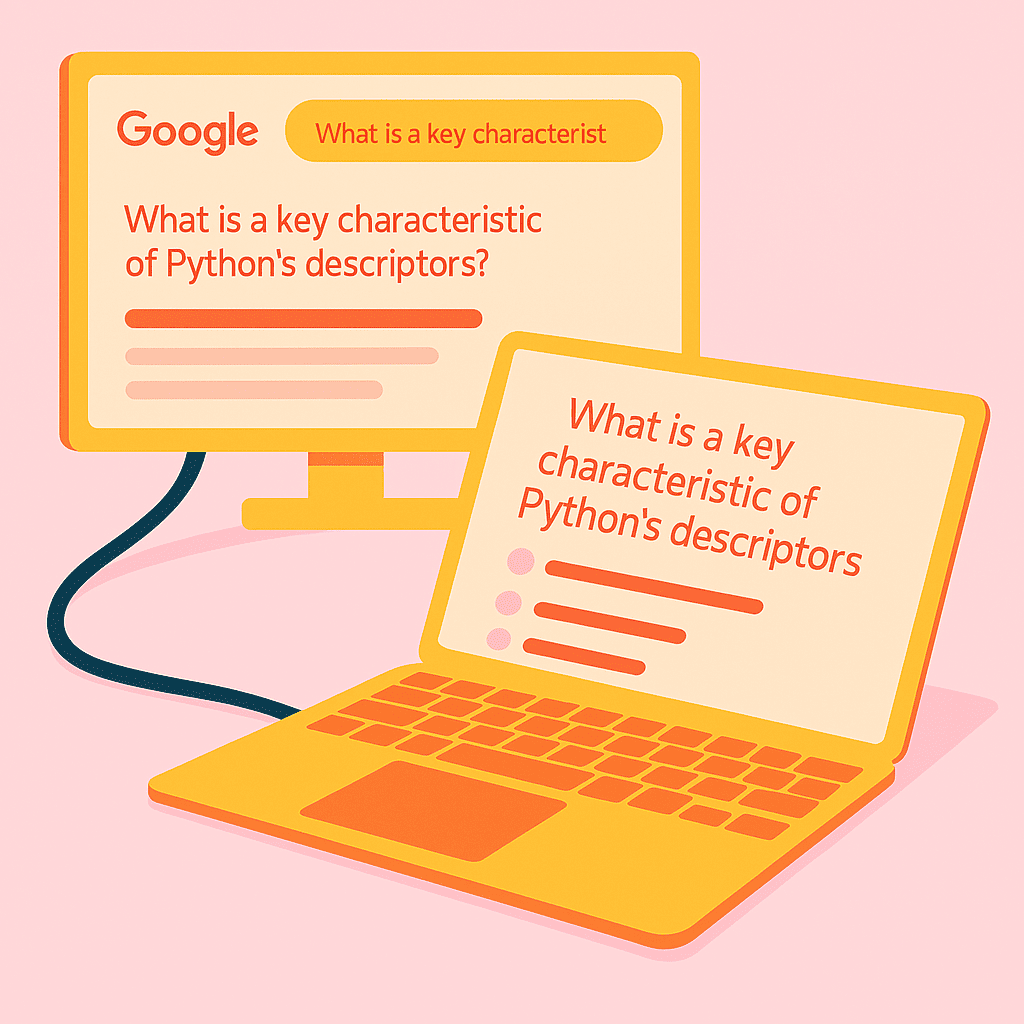
AutoProctor monitors when a test taker leaves the exam tab, either by switching to another browser tab or application. It records the time spent away and captures screenshots of the accessed content, which are then available for review by the test administrator.
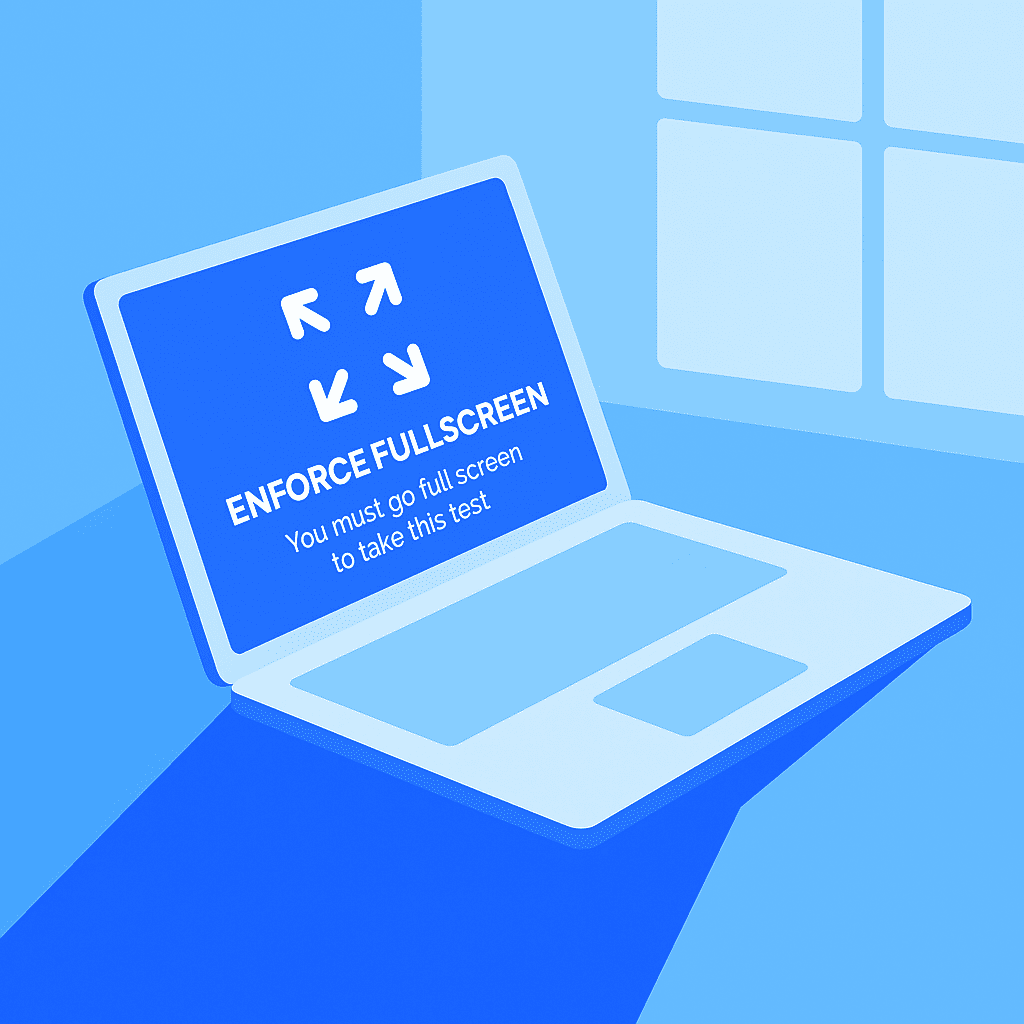
If enforced full-screen mode is enabled and a candidate exits this mode, AutoProctor flags this behavior as a violation. This information is recorded and can be reviewed by the test administrator to assess the integrity of the test attempt.